Upload Headshot
- Find the prospect on the prospect search page.
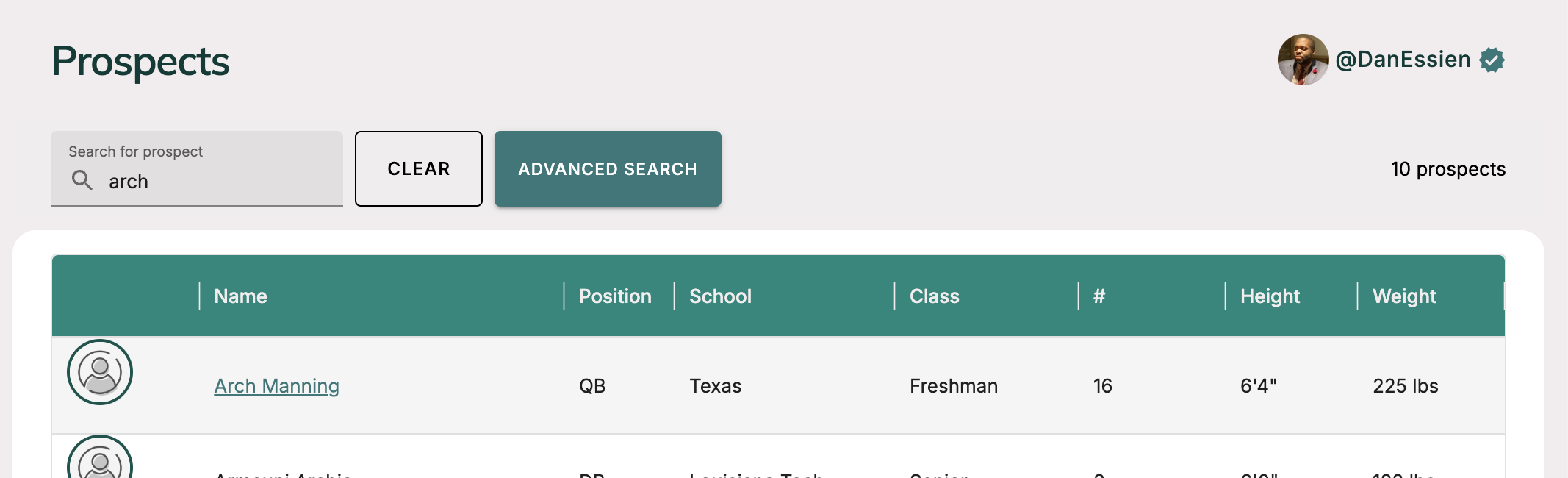 ;
;
- Go to prospect page and you'll see an "Upload Headshot" button if there hasn't been one uploaded already. Click that button.
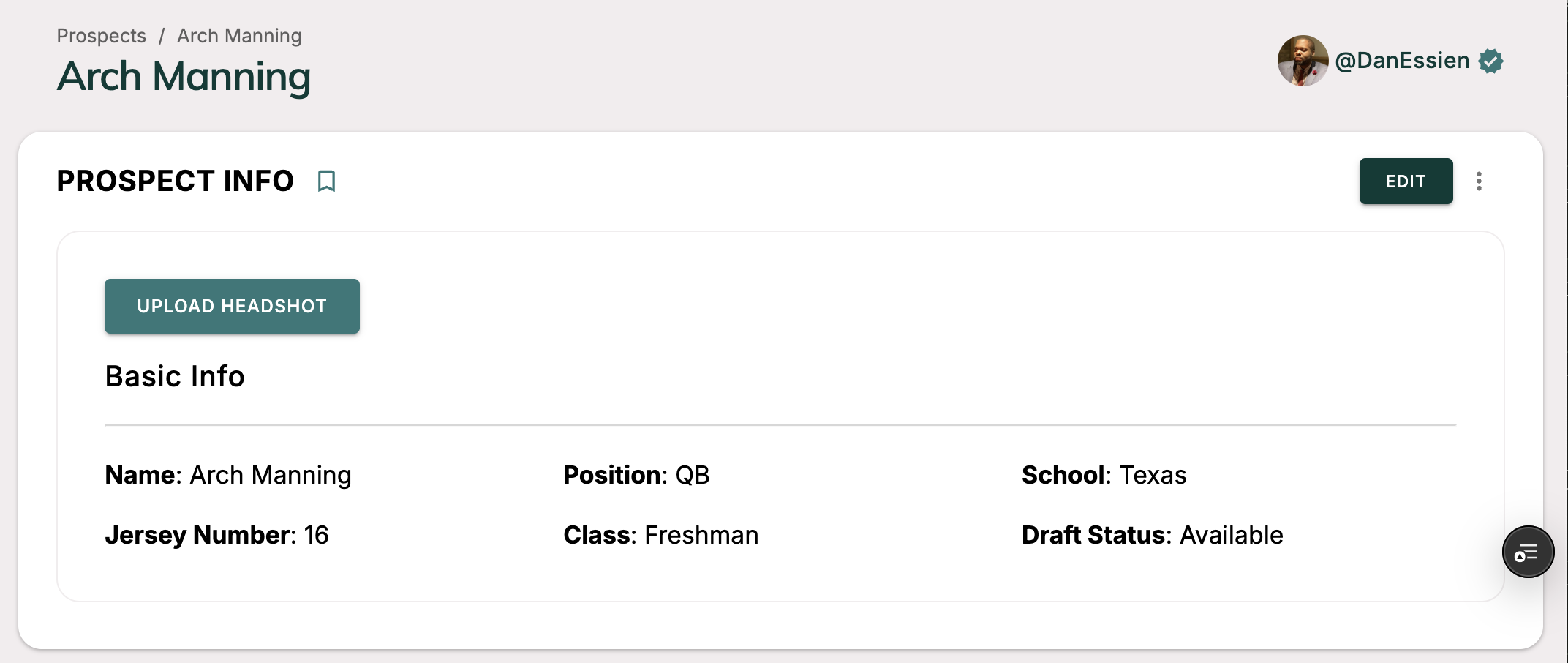 ;
;
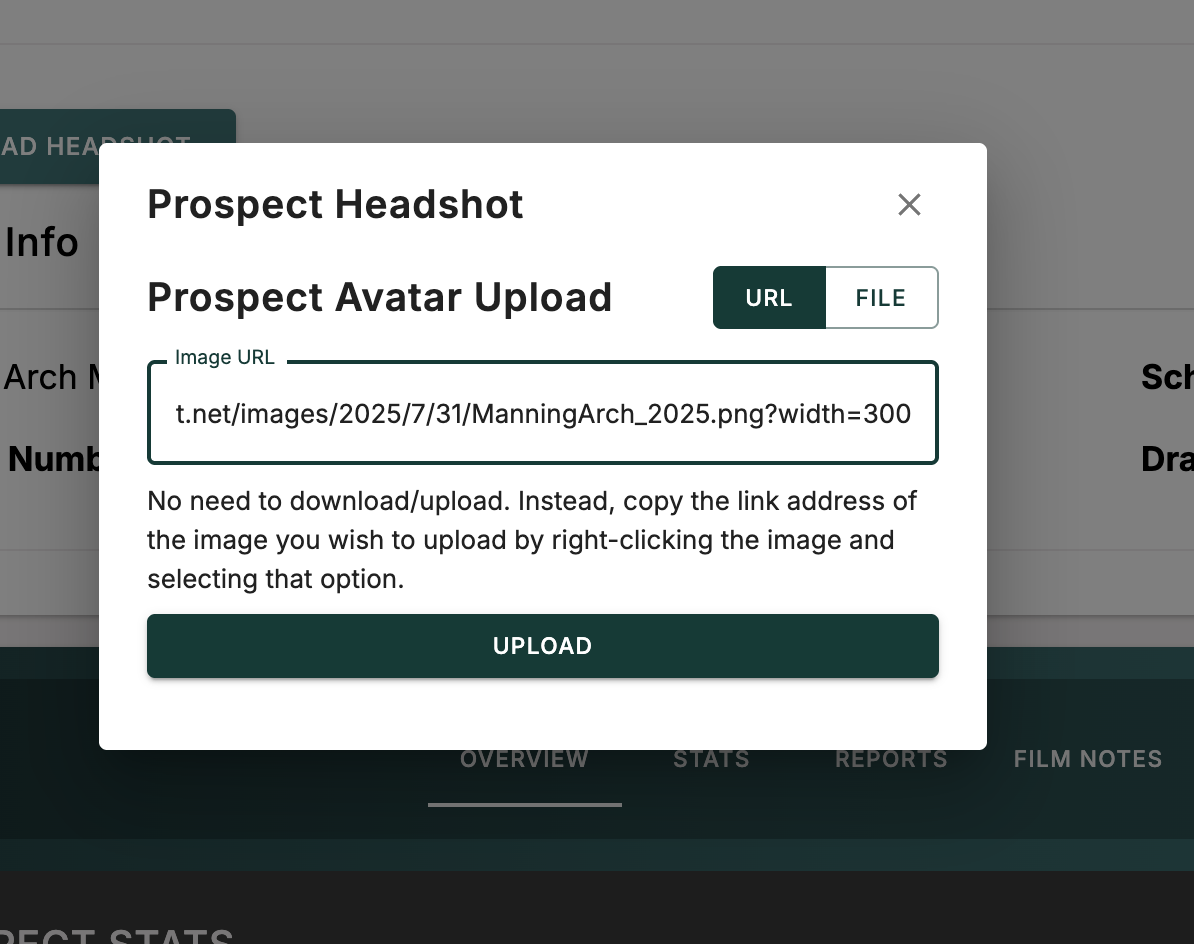
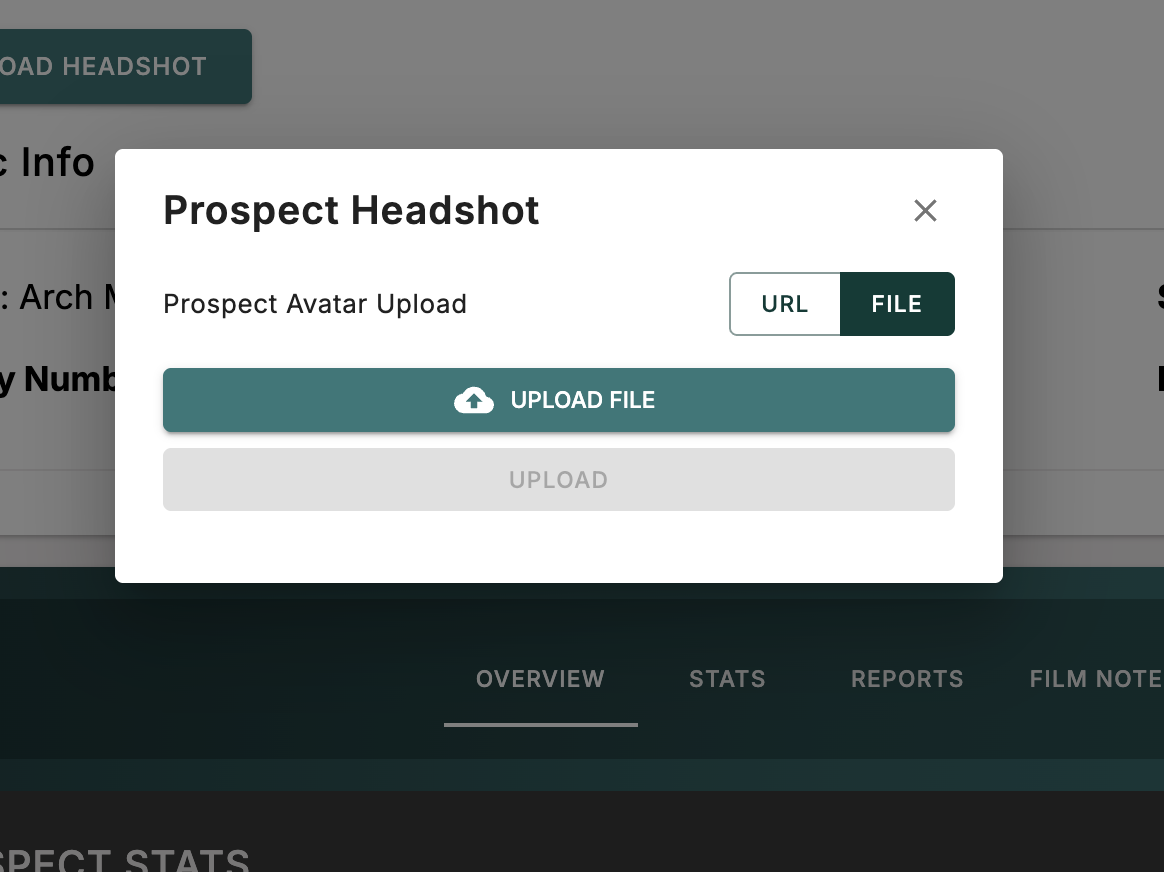
- A headshot upload modal will appear. There you will have two options
- Upload by URL: Find the image URL, copy and paste that URL into the input field and click "Upload"
- Upload by file: Download an image file and upload that directly.
If you're having any issues, read our troubleshooting section for prospects.